Logging in to your OneCard account is very simple, quick, and secure. However, before you sign in, there are a few things that you should prepare. In this guide, we will reveal the OneCard login requirements and also assist you on how to access OneCard account smoothly and avoiding errors.
Many users get stuck during the OneCard login process because they miss one small detail. Knowing what to keep ready can save you time and prevent frustration. Let’s break everything down in a simple way.
Why Do You Need Certain Requirements for OneCard Login?
The login system is created to secure your money and personal information. OneCard verifies your details to ensure that no one else is trying to access your account. This is the reason why knowing the OneCard login requirements is essential for safe banking with your money.
Basic Requirements You Must Have
Before attempting a OneCard login, make sure you have the following things ready,
- Your registered mobile number
- A strong internet connection
- The OneCard mobile app
- Good network signals for OTP
- A device with app permissions allowed
These basic things will not only help but also make the entire process smoother and faster.
Basic OneCard Login Requirements
| Requirement | Why It Is Needed |
| Registered mobile number | To receive OTP and verify identity |
| OneCard mobile app | To access all features securely |
| Internet connection | For sending and receiving login data |
| Device permissions | For notifications and OTP autofill |
| Correct PAN details | For account verification |
Step-by-Step Guide on How to Access Your Account
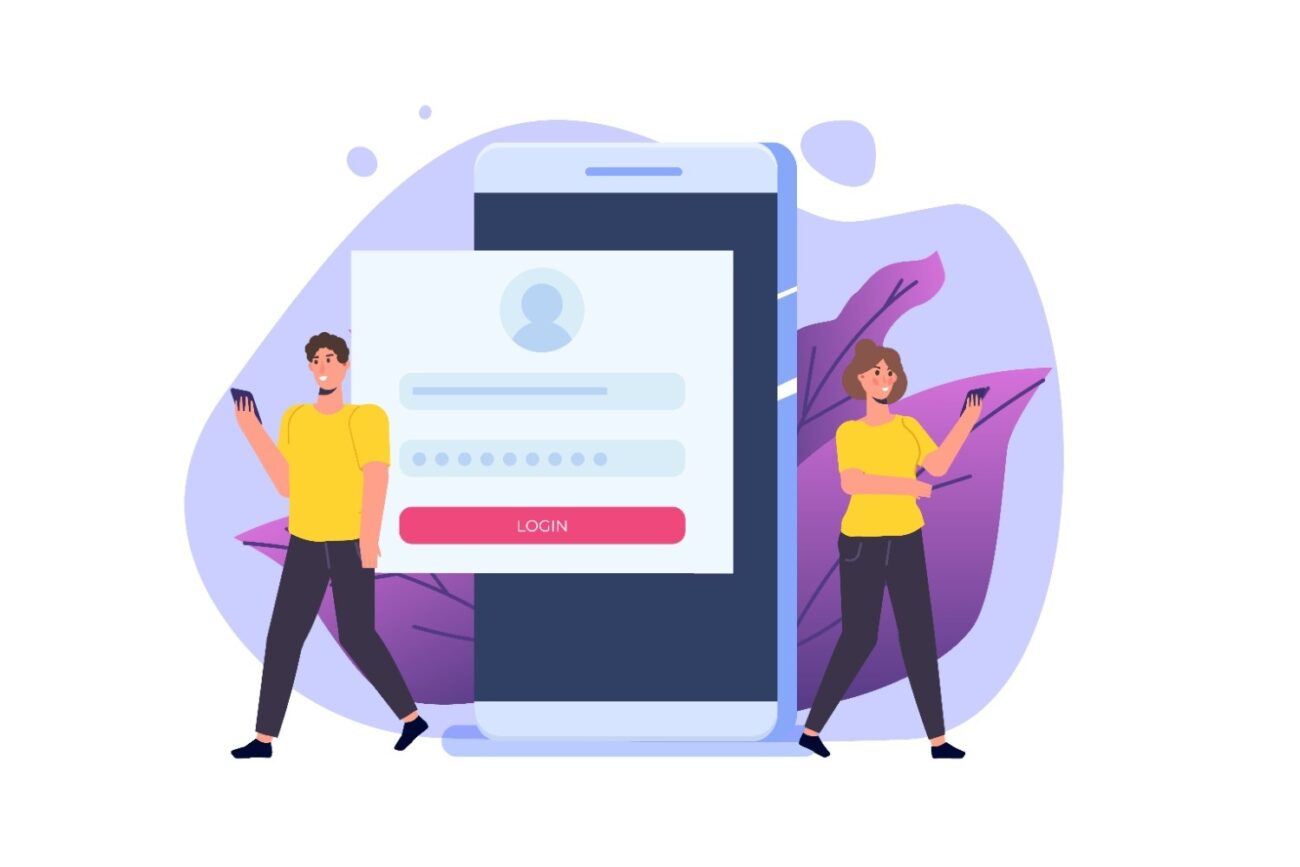
Many people wonder how to access OneCard account without making mistakes. Follow these easy steps,
1. Open the OneCard application.
2. Enter your registered mobile phone number.
3. Be patient until the OTP is sent to your mobile.
4. Correctly enter the OTP.
5. You are now signed in.
If the information is correct, you will experience that the OneCard log in takes less than 10 seconds.
Users common Problems During Login
Sometimes even with the proper information, you might experience a problem. This is where you have to learn how to fix the OneCard login problems. Here are some quite common issues,
- No OTP received
- Unable to open the app
- Number registered is no longer in use
- Internet connection is slow
- Incorrect details of PAN
Fortunately, most of these can be solved in just a few minutes.
Common Login Problems and Their Quick Fixes
| Problem | How to Fix |
| OTP not received | Check the network, restart the phone, or request a new OTP |
| App not opening | Update the app or clear the cache |
| Number changed | Update it using the “Help” section |
| Slow internet | Switch to Wi-Fi or move to a stronger network area |
| PAN mismatch | Re-enter the correct PAN details |
Knowing how to troubleshoot OneCard login issues can help you avoid long wait times and support calls.
Why Your Mobile Number Matters the Most
Your mobile number is not merely for receiving OTP only. It has other uses, such as enabling OneCard to send you the following,
- Transaction Alerts
- Payment Reminders
- Security Updates
- Important Notifications
In case the number you provided is incorrect or not in use, you will not only have problems logging in to the OneCard but also miss out on important updates.
Login Security Tips
To ensure that your account is secure, kindly observe the following simple measures,
- Do not ever share your OTP with anyone.
- Activate a screen lock on your smartphone.
- Install app updates for improved security.
- Do not sign in while connected to public Wi-Fi.
Doing these little things keeps your financial data safe and allows you to fulfil all OneCard login requirements without hassle.
When to Get in Touch With Support?
If you have tried all possible methods and still do not know how to get into the OneCard account, then it is time to contact customer care. Get in touch when,
- OTP is repeatedly not working
- The application quits unexpectedly while logging in
- Your phone number listed is not active anymore
- Your account is locked
Support can help you quickly troubleshoot OneCard login issues and restore access.
Conclusion
Understanding the OneCard login requirements makes your banking experience smoother. Now that you know what you need and how to access OneCard account, logging in will feel quick and easy. The next time you face any trouble, you already know how to troubleshoot OneCard login issues confidently.
With the right details and a few simple steps, the OneCard login process becomes hassle-free every single time.