
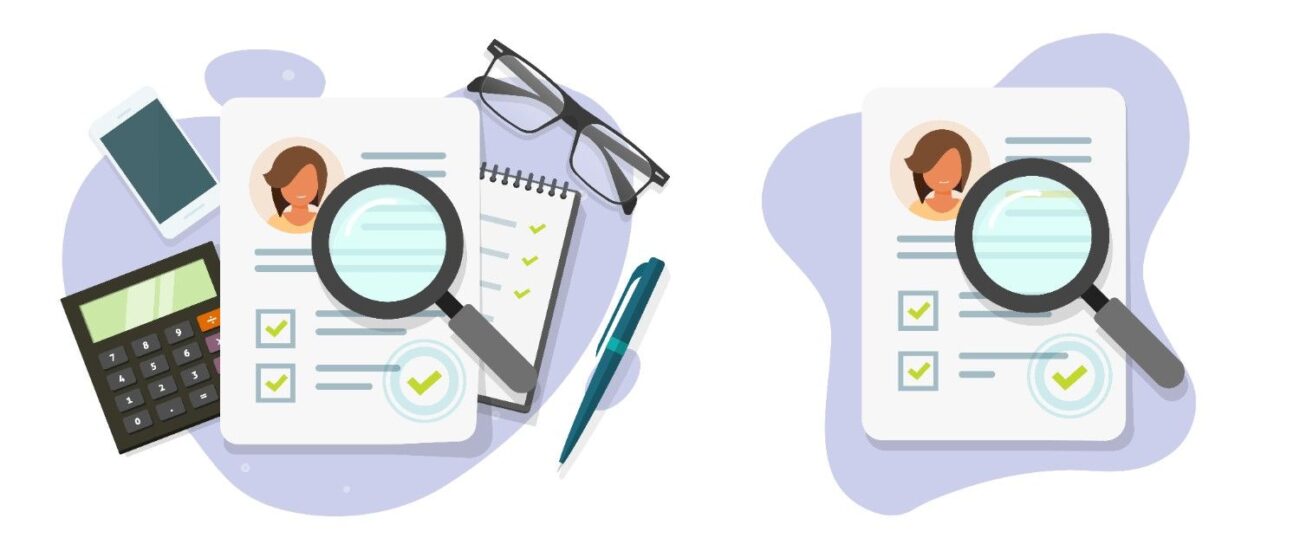
When the files of your credit information do not correspond, the download of your report will be very difficult for you. The majority of people notice wrong data in their personal info or borrowings. This might be a reason to deny their applications for loans or credit cards. However, the silver lining is that the issue can be tackled, and at the same time, downloading your report will not be a problem at all.
This straightforward guide will show you how to act in the case of a credit report mismatch, and how to get the correct one.
What Causes The Mismatch?
A credit report mismatch happens when the information in the credit database doesn’t match your real details. This may include,
- Incorrect name
- Incorrect phone number
- Old address
- Incorrect loan amount
- Unfamiliar loans or credit cards
These problems result in your credit report not being in accordance with the details. But take it easy. You can quickly correct the wrong information.
How to Download Your Credit Report Online (Even With Errors)
Several individuals think that in case of discrepancies, they could not download their report. But, in fact, you can. The following are the simple steps that are still used by the credit bureaus.
1. Access the Credit Bureau’s Website
Check out the official page of the bureau you are using. Perhaps you could use,
- Equifax
- Experian
- CRIF Highmark
- CIBIL
- Paytm Credit Bureau (if it is available)
These platforms allow you to download a credit report without errors after verification.
2. Provide Basic Information
Provide your,
- Name
- PAN
- Birthdate
- Phone number
- Email ID
The website may display a mismatch error if your credit report does not match the given details.
3. Verification Process
An OTP may be sent to you. Enter it. If the system cannot verify the details, you will be asked to provide ID proof.
4. Download the Report
Once confirmed, your credit report will be available for downloading. You can still download it even if there are errors in the report.
Reasons Why Your Credit Report Should Be Accurate
Your report is important for loans, credit cards, and in some industries, even for job applications. So, it is always worth it to take the time to correct the errors.
An error-free report,
- Lifts your score
- Gives higher chances of approval
- Creates trust among lenders
If you notice any mistakes, immediately correct the wrong information in the credit report.
Top Mistakes Seen in Credit Reports
- Wrong entry of PAN number
- Wrong spelling of the name
- Unknown entry loans
- Accounts that are already closed but still show up
- Error in the history of payment
- Loans that have been closed are inaccurately shown as active
Any of the above-mentioned could lead to a credit report mismatch.
Methods to Resolve Credit Report Issues
Follow these simple steps to fix wrong details in your credit report.
Step 1 – Open the Dispute Form
All bureaus have a dispute section.
Step 2 – Select the Type of Error
The list might include,
- Personal details error
- Account-related error
- Loan not in your name
- Wrong EMI amount
- Outdated record
Step 3 – Upload Proof
Upload documents such as
- PAN
- Aadhaar
- Bank statements
- Loan closure letters
Step 4 – Submit Your Request
Your bureau will verify the details.
Step 5 – Wait for Confirmation
It usually takes 7-30 days.
Once updated, download the corrected report using download credit report without errors.
What to Do if Details Don’t Match
| Problem You Face | Why It Happens | What You Should Do |
| Name mismatch | Wrong data entry | Submit ID proof |
| Unknown loan | Identity error or fraud | Raise dispute + upload bank proofs |
| Wrong address | Old KYC details | Update KYC with the lender |
| Wrong payment history | Reporting delay | Ask the bank to update the data |
| Failed download | Details mismatch | Verify identity manually |
Quick Tips to Avoid Future Mismatches
- Always update your PAN and Aadhaar everywhere.
- Keep the same mobile number and email address with all the banks.
- Pay the EMIs regularly.
- Review your credit report every three months.
- Keep loan closure letters safe.
- Download the credit report online from the official website.
By following these actions, you can prevent credit report mismatch details in the future easily.
Conclusion
A credit report mismatch can feel stressful, but it is easy to fix. When the details don’t match, simply verify your identity, raise a dispute, and download your updated report. You can use methods like how to download a credit report online, submit corrections, and fix wrong details in a credit report quickly. Once corrected, you can download a credit report without errors anytime you want.
Staying updated helps you avoid loan rejection and protects your financial profile. Keep checking your report and correcting issues early. You deserve a clean and accurate credit report

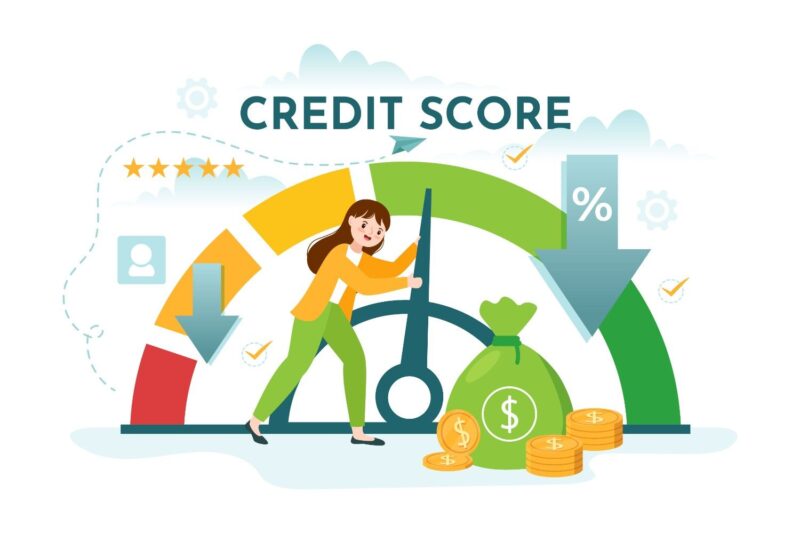
It’s great that the post emphasizes the importance of verifying your details before downloading the report. Many people don’t realize that mismatches can happen even with something as simple as an old address. Great step-by-step guide!